


Notepad++ for Windows
Notepad++ is a free, open-source Windows text and code editor that supports multiple programming languages, syntax highlighting, and powerful editing features.
- License
- Open Source
- Developer
- Don Ho
- Requirements
- Windows XP/ Vista/ 7/ 8/ 10
- Category
- Developer Tools
- Latest Version
- 8.4.4
- Last Update
- July 16, 2022
8.4.4
Latest Version
Description
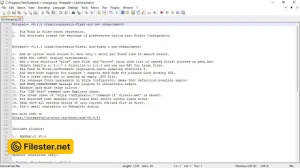
Notepad++ is a highly popular Windows text and source code editor that has gained widespread acclaim among programmers, developers, and power users. Unlike the default Windows Notepad, Notepad++ offers advanced editing capabilities while remaining lightweight and fast. Its open-source nature allows a global community of contributors to continuously improve its functionality and extend its features through plugins.
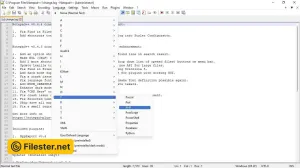
The software is designed to handle a variety of programming and scripting languages, providing syntax highlighting and code folding for easier readability. Users can open multiple files simultaneously in a tabbed interface, making project management efficient and organized. Its robust search and replace tools, including support for regular expressions, save time when working on large codebases.
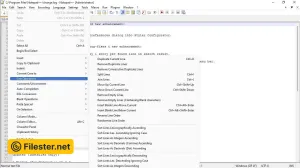
Notepad++ also stands out for its high level of customization and flexibility. Users can personalize the editor’s appearance, assign keyboard shortcuts, and install plugins to add new capabilities such as FTP integration, code linting, or version control. This makes it suitable not only for coding but also for writing structured documents or performing complex text manipulations.
Another strength of Notepad++ is its stability and performance. It is lightweight, consumes minimal system resources, and handles large files with ease. Its active community ensures regular updates, bug fixes, and compatibility with modern Windows versions, making Notepad++ a reliable tool for both casual and professional users.
Features & Highlights
- Syntax highlighting for multiple languages
- Tabbed interface for managing files
- Highly customizable with plugins support
- Lightweight and fast performance
- Advanced search and replace options
Screenshots
F.A.Q
Older Versions
Disclaimer
Filester is a software review and download website. We are against piracy and do not provide any serials, keygens, patches, or cracks for Notepad++ or any software listed here.
We are DMCA-compliant, and you can request the removal of your software from our website through our contact page.